

Media translation
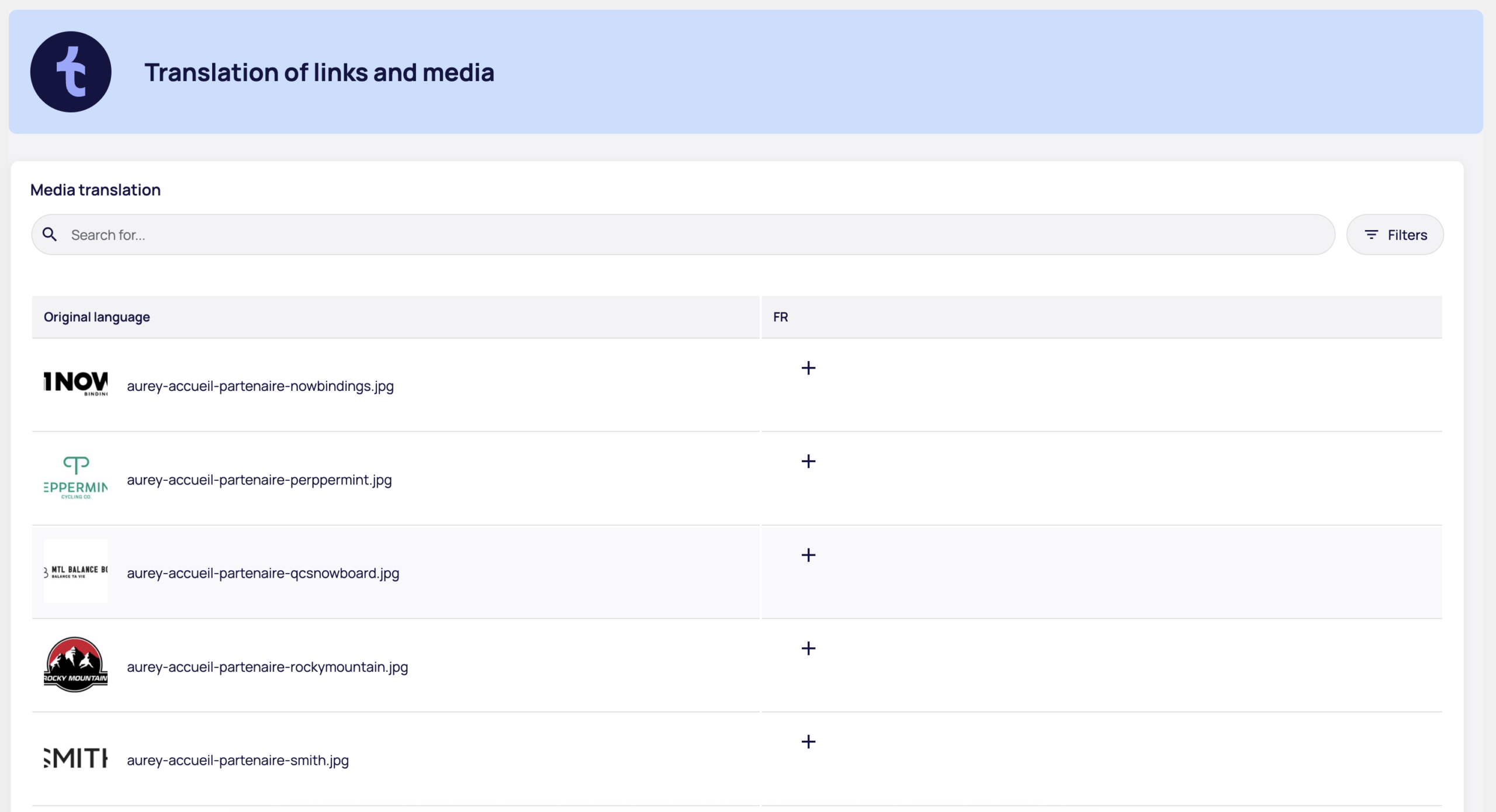
This table manages the correspondence of your media files between languages.
How does it work?
By default, the original media is displayed in all languages. You only need to intervene if a media item requires language adaptation - an image containing text, a localized infographic or a translated PDF, for example.
This approach allows you to :
- Keep most of your media as is (photos, icons, universal illustrations)
- Replace only those who need it
Table structure
- Original language visual preview and media file name
- Language columns (EN, ES, DE, etc.): click on + to associate an alternative media
Use the search bar to find specific media, or the "Filters" button to refine the display.
Link translation
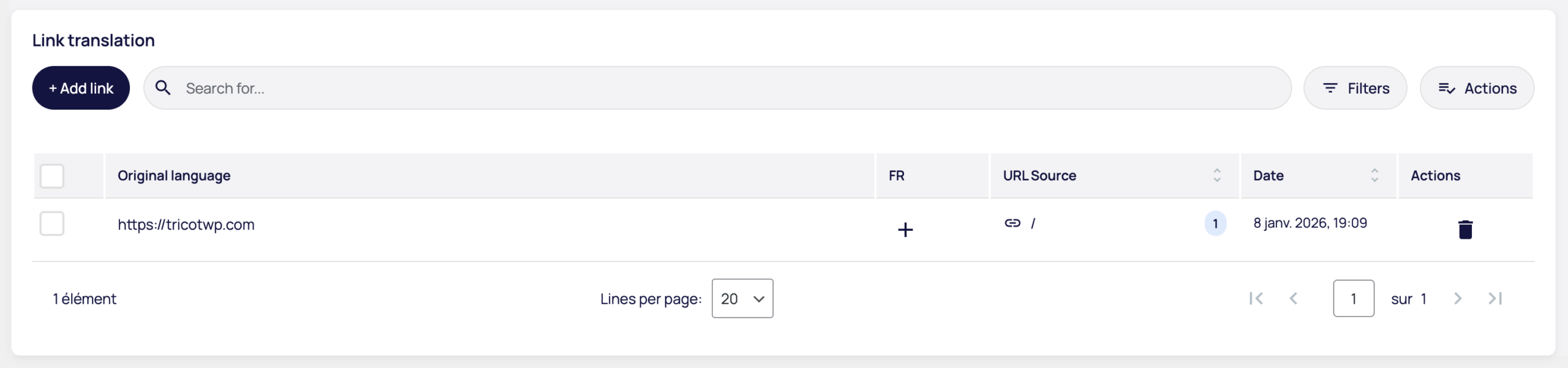
This table manages the matches of external links detected on your site.
How does it work?
Tricot automatically detects external links in your content. You can then define alternative URLs for each language, allowing you to :
- Link to local partner sites
- Point to resources in the appropriate language
- Adapting links to geographic markets
Table structure
- Original language external URL detected
- Language columns (EN, ES, DE, etc.): click on + to define an alternative URL
- Source URL the page where this link appears (with number of occurrences)
- Date date of link detection
- Actions : delete link
As with the validation table, orphan links (which are no longer present on your site) are identified by the words "Orphan text" in the Source URL column.
Use the search bar, filters or "Actions" menu to manage your links efficiently.
Add a link manually
The "+ Add a link" button allows you to create links for specific cases:
- Internal links not detected automatically
- PDF documents hosted outside the media library
- Special resources requiring manual management
