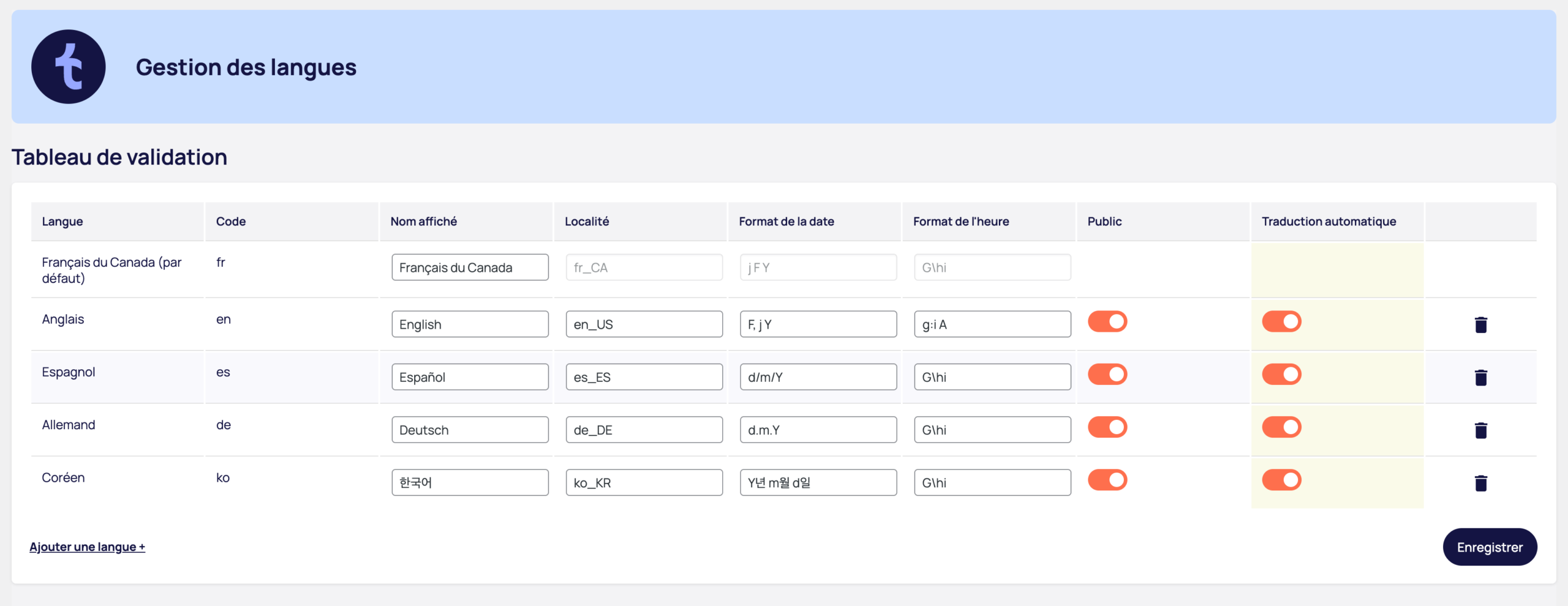
Active languages table
The table shows all the languages configured on your site:
- Language language name and default language indication
- Code ISO language code (fr, en, es, etc.)
- Name displayed language name as it will appear in the language selector
- Location specific regional parameters (e.g. en_US, fr_CA)
- Date format date display configuration
- Time format Time display configuration
- Public Language visibility on the site
- Automatic translation Activate AI translation for this language
Click on "Add language +" to add a new language to your site.
Development mode (Public column)
The "Public" column controls the visibility of each language:
- Activated language is visible to all visitors
- Off the language is hidden from the public but remains accessible to administrators
This feature lets you prepare and revise your translations before launch, test navigation in a new language, or make corrections without impacting the visitor experience.
Automatic translation by language
The "Automatic translation" column gives you control by language:
- Activated new content is automatically translated (consumes credits)
- Off content is detected but must be translated manually
You can optimize your credits by activating automatic translation only for your priority languages.
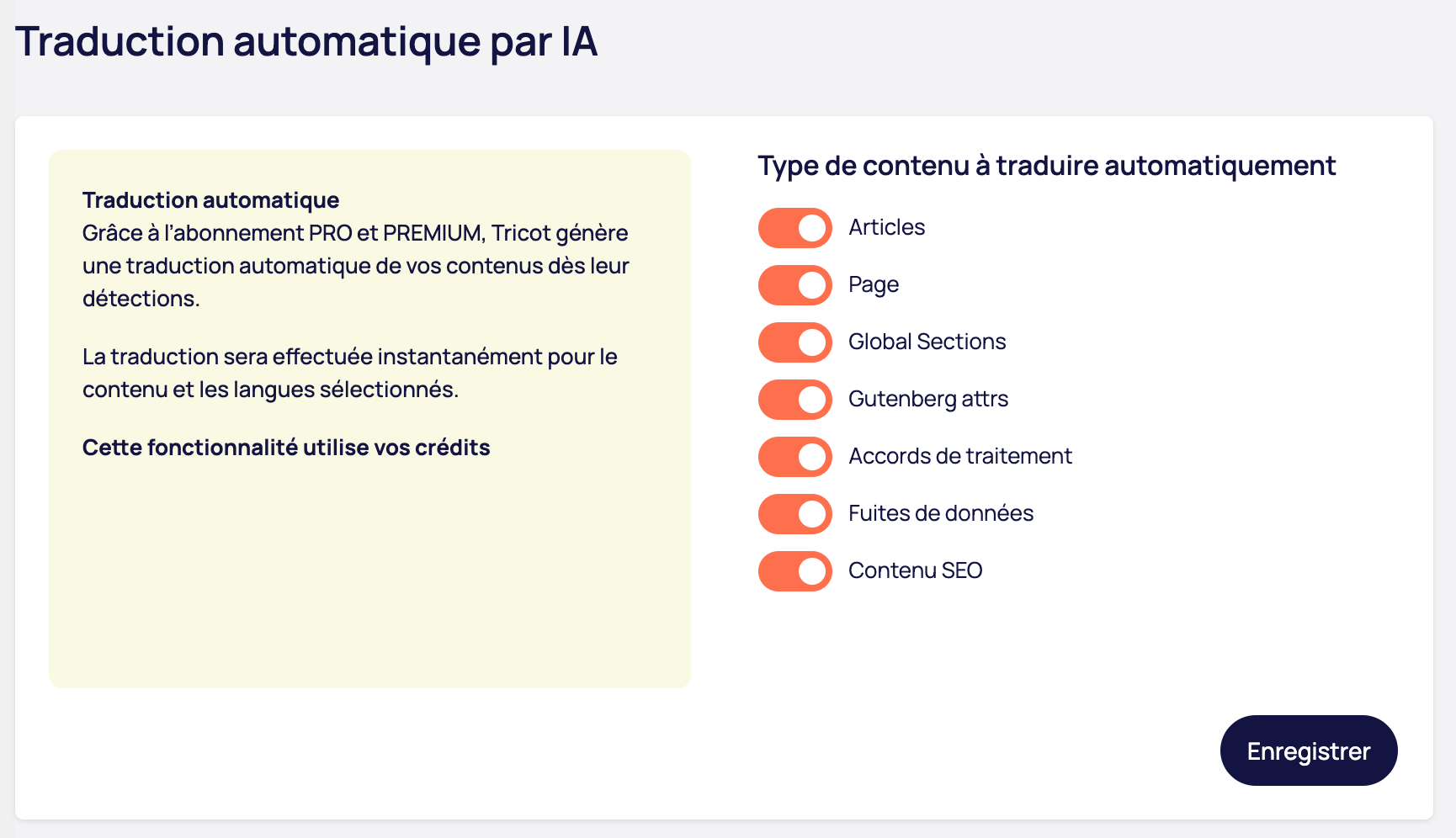
Automatic translation by AI
The Automatic translation column provides granular control over the automatic generation of translations:
- Articles
- Pages
- Custom content types
- Treatment agreements
- SEO Content
This flexibility allows you to optimize the use of your credits by activating automatic translation only for certain types of content.
- Enabled: New content is automatically translated (consumes credits)
- Disabled: Content is detected, but must be translated manually
Content detection
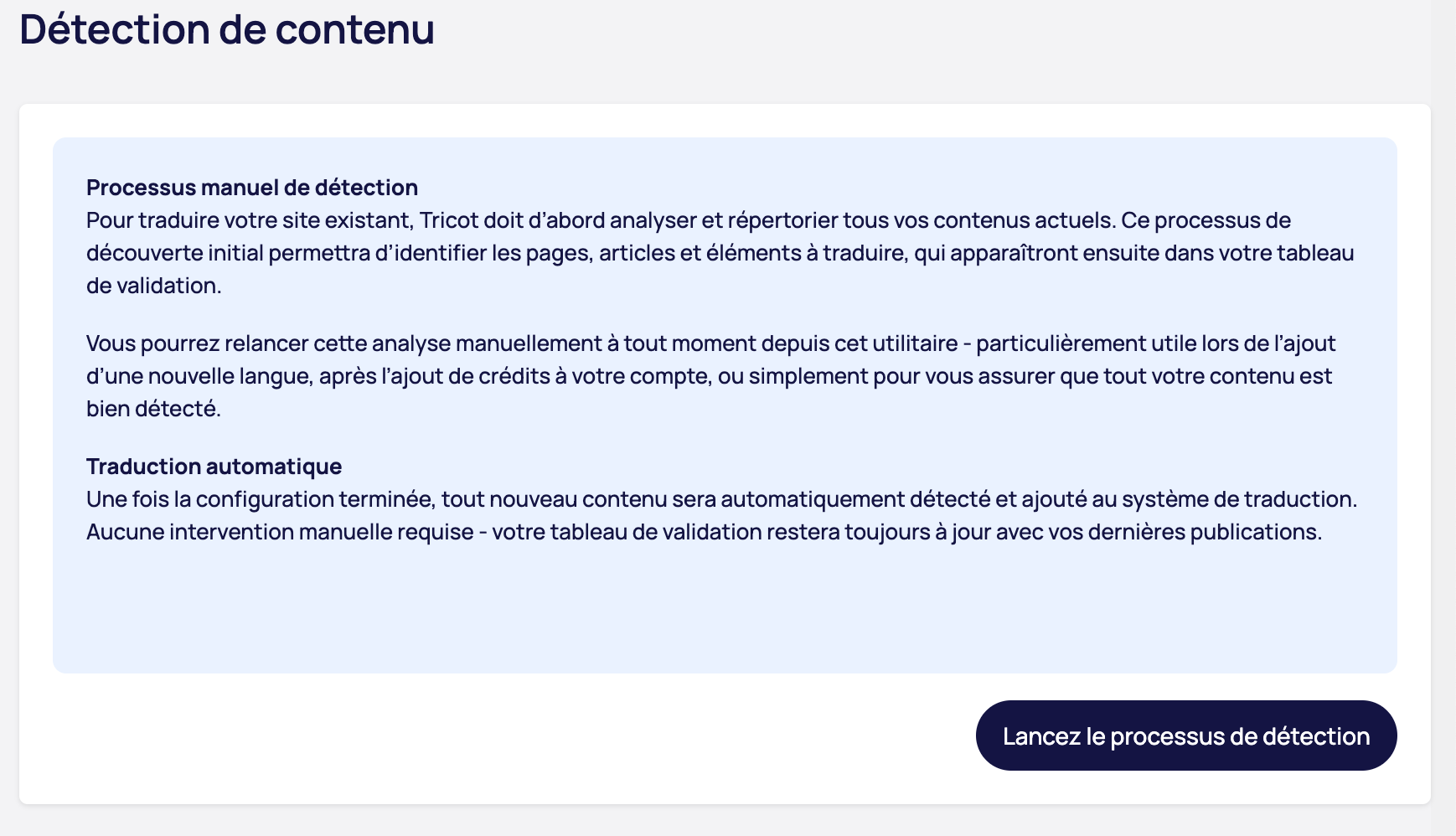
Manual detection process
To translate your existing site, Tricot must first analyze and list all your current content. This initial discovery process identifies the pages, articles and elements to be translated, which will then appear in your validation table.
You can restart this analysis manually at any time - particularly useful when adding a new language, after adding credits to your account, or simply to ensure that all your content is detected.
Click on "Start detection process" to start the analysis.
Continuous automatic translation
Once set up, all new content is automatically detected and added to the translation system. No manual intervention required - your validation table will always be up to date with your latest publications.